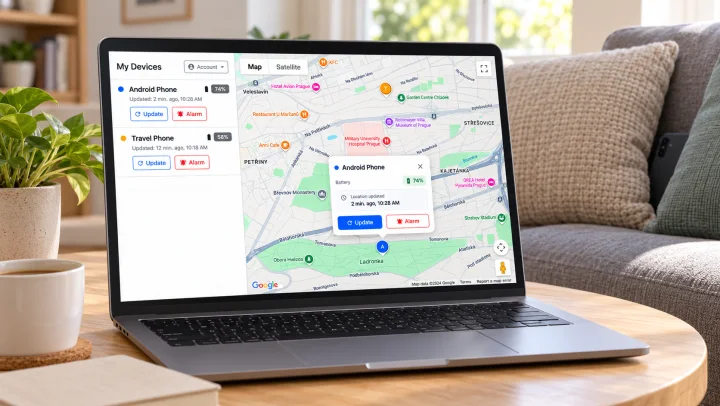
Try calculating how much money you carry around every day in your pockets, backpack, or on your wrist - a phone, wireless earbuds, a smartwatch, maybe a work tablet. We spend a fortune on useful technology today, so why do we so often let it get lost, forgotten in a coffee shop, or slipped between the couch cushions? Read on to find out how to change that quickly and easily.
Stop Living in Constant Fear of Losing Something
Do you know that uncomfortable feeling of panic when you reach into your pocket for your phone on a tram or at the supermarket, only to find it empty? A second later, your stomach drops, and a stressful marathon of questions starts racing through your head: "Did it fall out in the car? Did I leave it at the office? Or did someone steal it?" And just like that, a perfectly good day is ruined.
Yet, keeping your things safe doesn't mean you have to be paranoid and check your pockets or backpack every five minutes. The key to peace of mind is proactive protection, aimed at removing the mental burden and constant anxiety of leaving something behind.
Instead of dealing with the stress of searching for lost items after the fact, it’s much easier to let technology watch over itself. By setting up smart digital safeguards you shift this worry from your own head to your phone (and possibly your watch).
3 Simple Steps to Keep Your Devices Safe
To reduce the likelihood of forgetting expensive equipment somewhere and not knowing where it is, you don't need to change your lifestyle. Just take three basic steps that act as an invisible safety net wrapped around your tech.
- One Command Centre – The foundation of peace of mind is having a single place that sees everything. An app that can communicate with all your Bluetooth devices, no matter what logo is on the box. An application that also uses real-time GPS location. When you have just one clear, full-featured dashboard, it helps you keep control.
- Early Warning – Loss alerts are the real game-changer. As soon as you move away from your phone and the Bluetooth connection is lost, the smartwatch will notify you.
- The Safety Net – Smart gadgets remember the exact time and place they were last connected to your electronics. Then, when you find your headphones missing, you don’t have to search the whole city. Just look at the map, and you’ll know immediately if they were left in the gym locker room or dropped off on the bus. Some apps go even further and work with GPS and real-time location on phones. You can check its current or last known location from another device in the app, or through the web portal.
Why the Find My: Phone, Watch, Earbuds App Can Be Your Oasis of Calm
The Find My: Phone, Watch, Earbuds app was designed exactly for the situations and steps mentioned above. It automates this entire security process so you don’t have to think about it yourself.
-
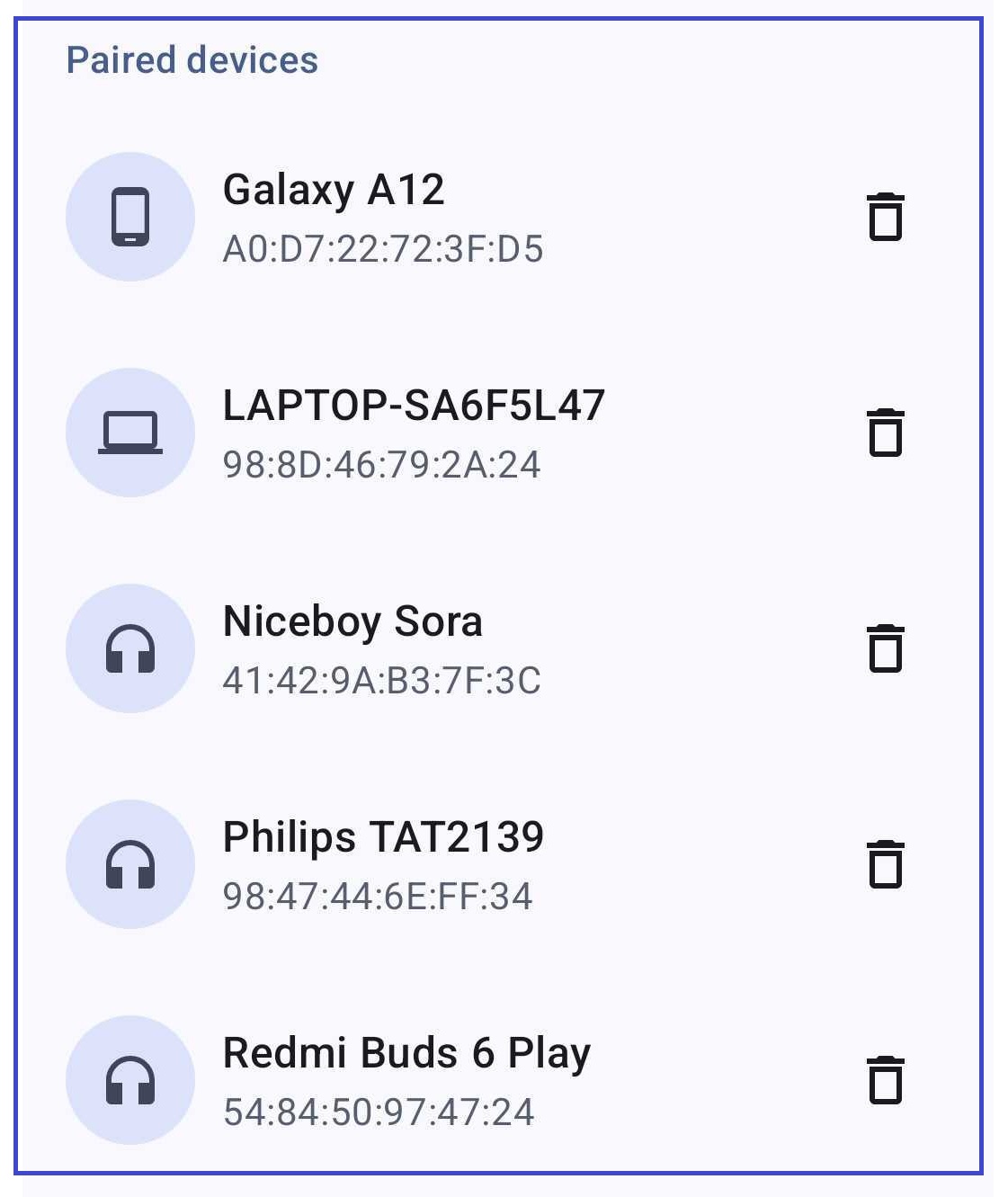
All devices in one place: Forget switching between apps from Apple, Samsung, Garmin, or Xiaomi. This app acts as a universal control centre. It sees all your Bluetooth devices at once, giving you an instant overview of your phone, expensive earbuds, and fitness tracker on a single screen.
-
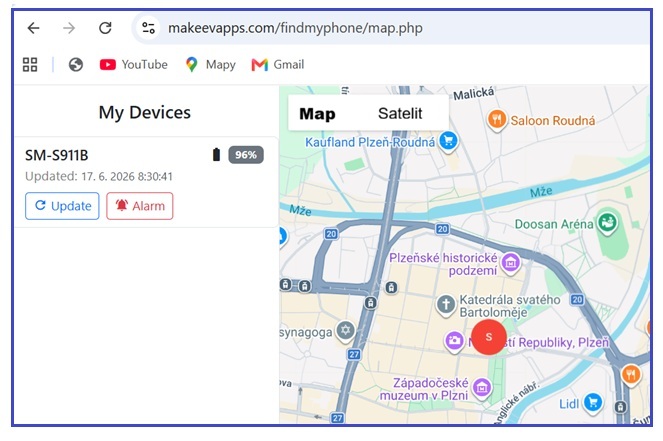
More than just a Bluetooth finder: Regular search engines will guide you when an item is lying somewhere in the room, but what if you forget your phone on the other side of town? The application has a Global Search function that helps locate your phone using GPS and real-time location. Another huge advantage is the connection to a web portal, through which you can check the current location of all your connected phones from a computer or tablet. You can even remotely trigger an alarm on them. The only condition is that the application is active on the given devices and the phones have the ability to send data about their location.
-
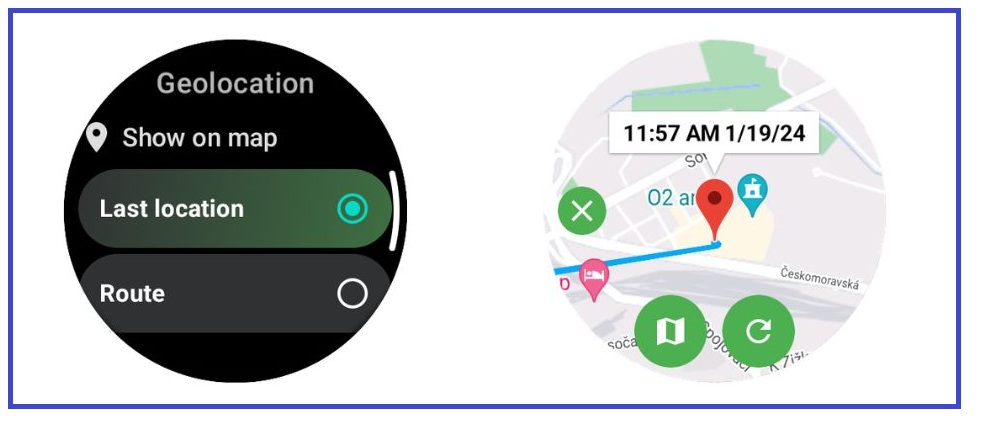
Full Wear OS support, control your phone from your wrist: If you enable the disconnect alarm feature, your watch will alert you when the Bluetooth connection with your phone is lost. If you miss the alarm and discover your phone is lost later, you can open a map on your watch to see the current or last known location of your paired phone (depending on whether your phone and watch are online). The Refresh button asks your phone for its current location. You can use the Maps button to open Google Maps and get directions to the generated point.


Step-by-Step Setup Guide
It sounds great in theory, but the best way is to experience that feeling of relief in practice. Setting up the entire safety net takes less than two minutes. Let’s look at how to do it step by step:
- Download the app to your phone and optionally to your Wear OS smartwatch
- Set up Global Search as instructed to act as your private detective. You can then locate your phone using an app on another device or a web portal.
- In Smart Search, connect your smartwatch and then allow background location access. This will allow your phone to send its location and you can see where your phone is on your watch.
- Choose volume, vibration and other features when finding your phone. Set an alarm that will sound on your watch if it disconnects from your phone. Remember to enable Bluetooth notifications and background work for the app to work properly.

- Finally, go to the Bluetooth search function, which will help you find all your paired devices (smartwatch, headphones, tablet, etc.). For each device, allow access to background location to save the location of the disconnection.
- Set whether you want to use audio navigation or vibration, or both, when searching for devices.

If you use a Wear OS smartwatch, don't forget to install and set up the app on your smartwatch as well. By connecting all your devices, you create a complete ecosystem that helps to reduce the risk of losing them and makes them easier to find.

Your everyday security
The Find My: Phone, Watch, Earbuds app can save you hours of frustration, wasted days, and thousands of Euros buying new electronics. Stop stressing about what you might forget and download the app. Put on your digital fuses and enjoy the liberating feeling that your technology is looking after itself.