
Find My Bluetooth Device helps users locate nearby Bluetooth devices such as earbuds, headphones, smartwatches, fitness trackers, and other accessories. The app scans for active Bluetooth signals and shows how close your lost device is with a real-time proximity indicator.
As the signal gets stronger, you know you are getting closer. This makes it easier to track down missing accessories quickly, without using GPS or an internet connection.
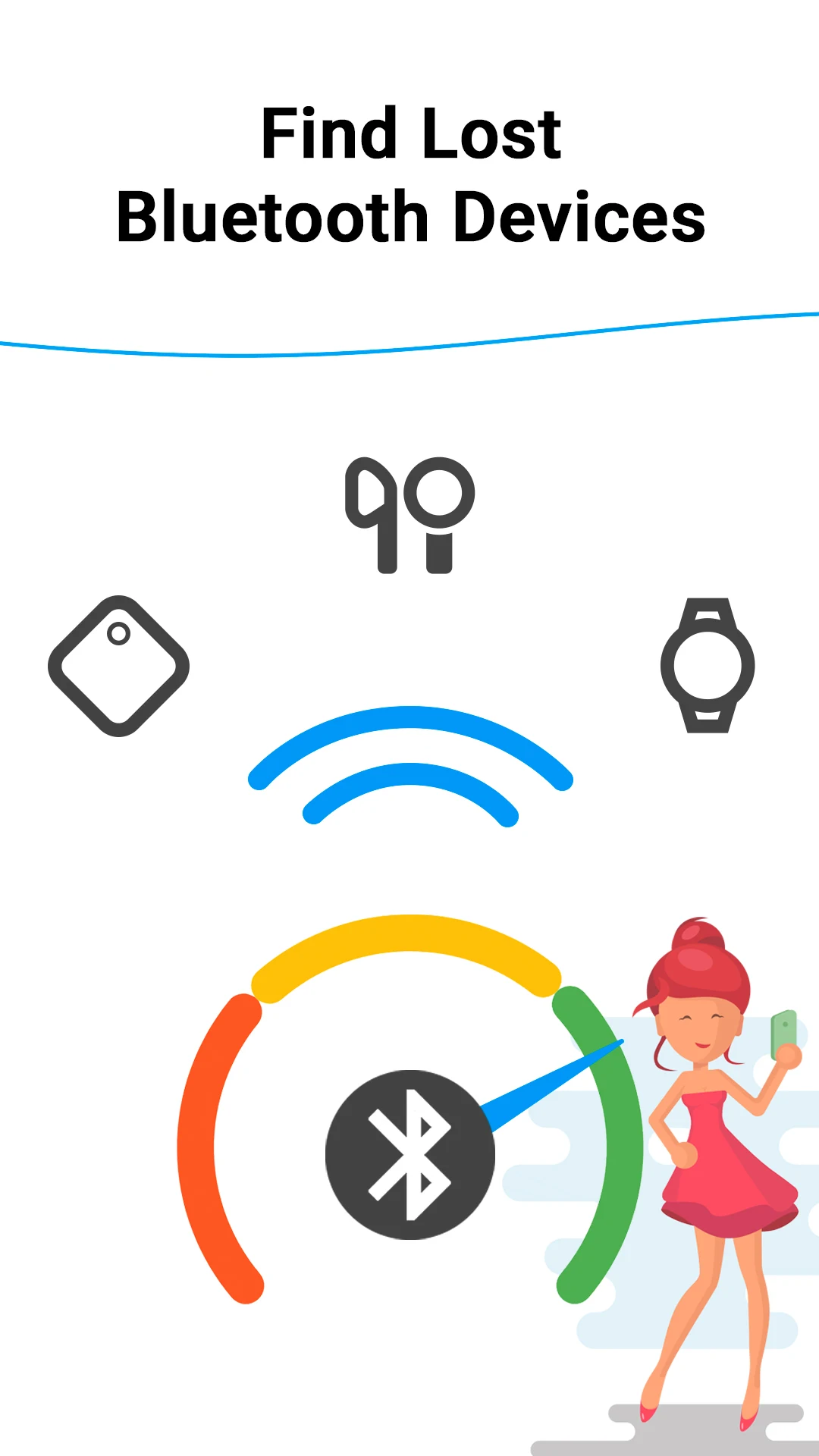
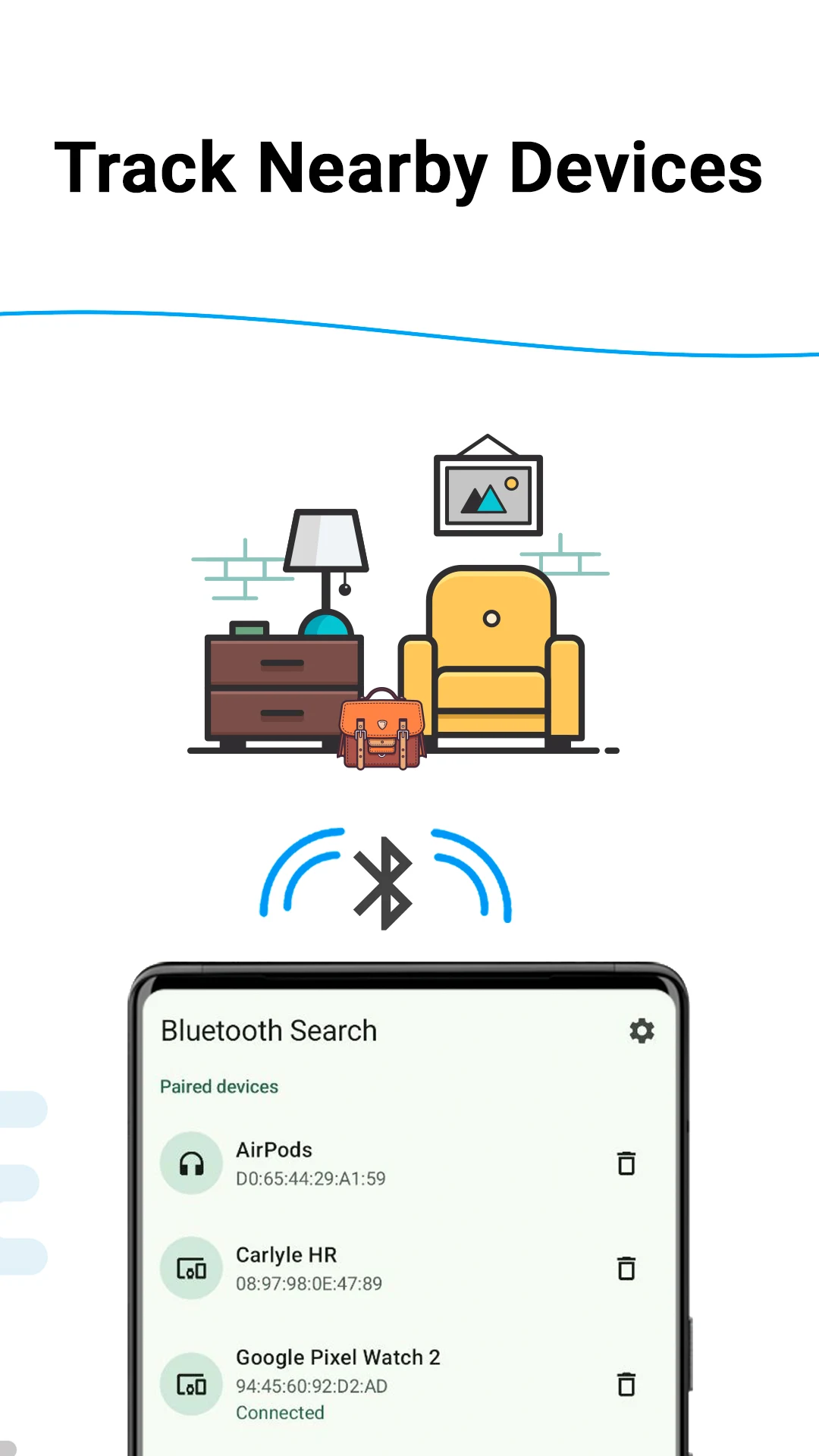
Simply move around while watching the signal strength change. The app guides you toward your missing item in a simple and intuitive way. It is especially useful for devices that are nearby but hard to spot, such as earbuds hidden in a bag, under furniture, or between car seats.
The app is designed to be fast, lightweight, and privacy-friendly. It works directly on your device and does not require sign-in.
Features
- Find My Bluetooth Device: Quickly find your lost Bluetooth devices, including smartwatches, earbuds, AirPods, FitBit trackers, and more.
- Find My Earbuds & AirPods: Never lose your earbuds or AirPods again; our app guides you straight to them.
- Find My Smartwatch: Locate your smartwatch in minutes, no more searching endlessly.
- Find My FitBit: Get back to your fitness routine by easily finding your FitBit tracker.
How it works
- Open the app: It scans for nearby Bluetooth devices.
- Select your device: Choose the item you want to find from the list.
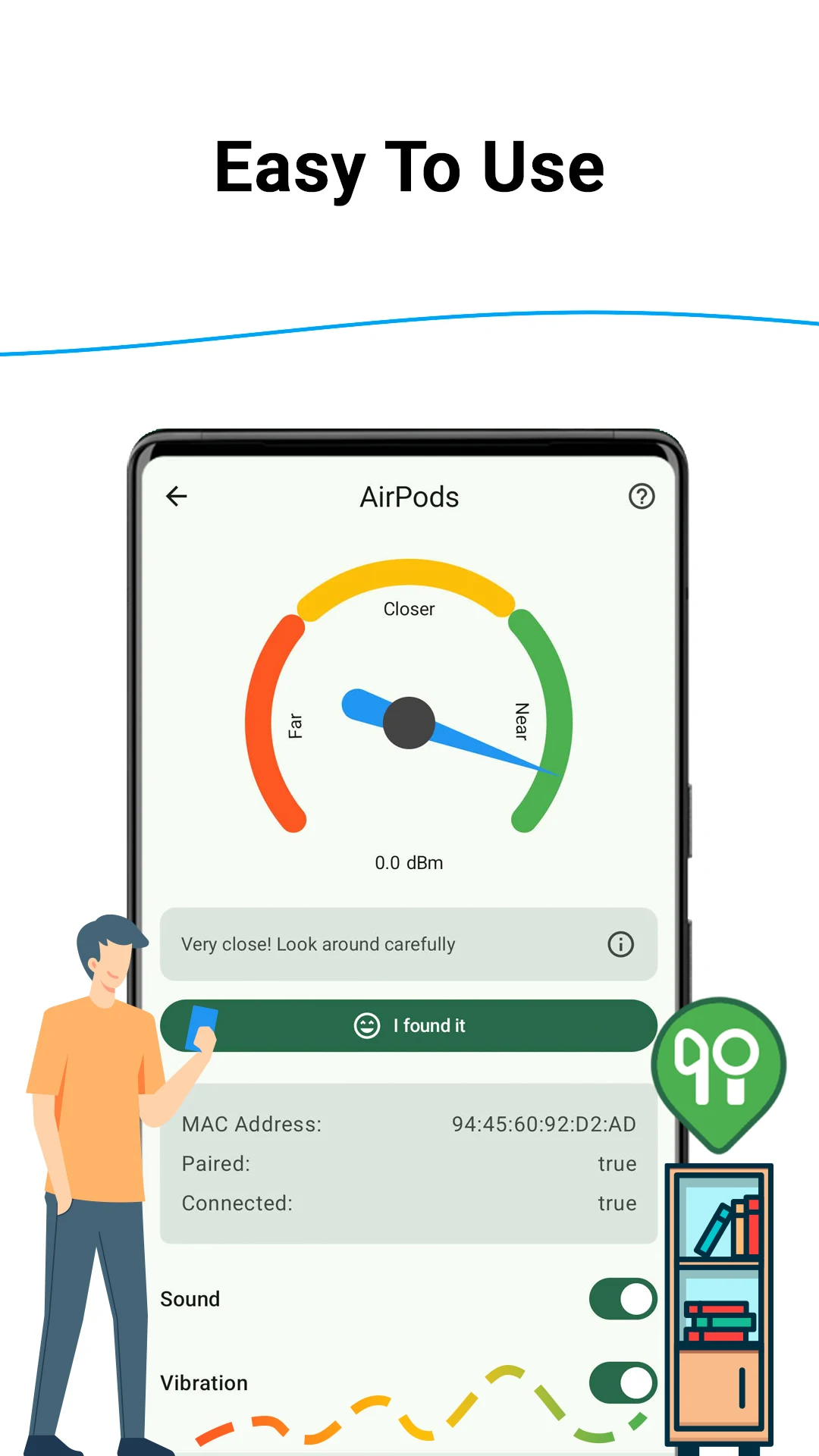
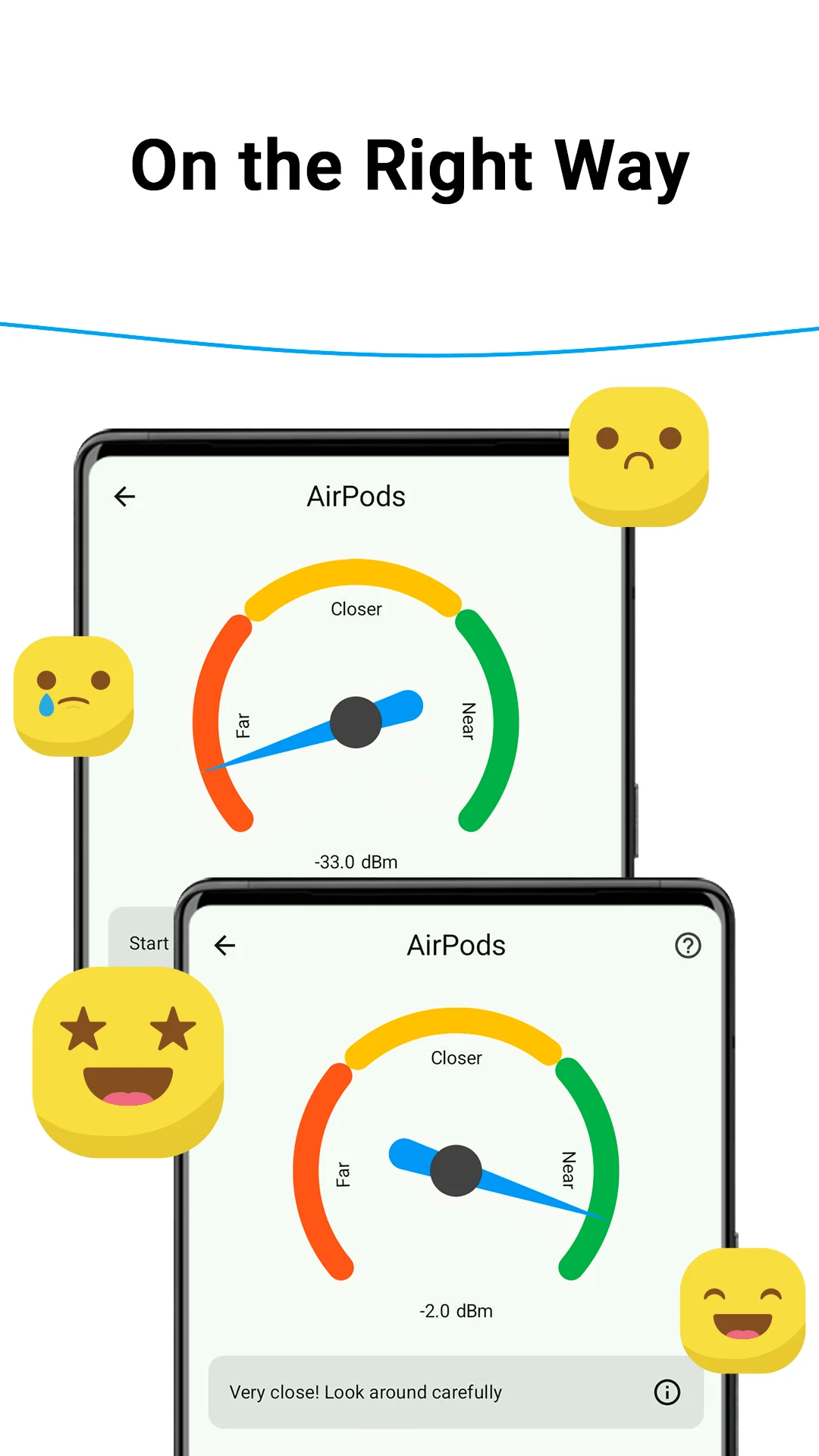
- Watch the signal: Move around and observe the signal strength in real time.
- Recover your item: The stronger the signal, the closer you are.
Why users like it
- Fast to use: Open the app and start scanning immediately.
- Helpful for everyday items: Great for earbuds, watches, headphones, and trackers.
- Privacy-friendly: No account required.
- Clean design: Easy to understand even if you use it for the first time.
Frequently asked questions
What can Find My Bluetooth Device help me find?
Find My Bluetooth Device can help you locate nearby Bluetooth accessories such as earbuds, AirPods, headphones, smartwatches, fitness trackers, speakers, and other paired or discoverable Bluetooth devices when they provide a usable Bluetooth signal.
How does Bluetooth search work?
The app uses the Bluetooth signal from the device and shows a proximity indicator. As you move around, a stronger signal usually means you are getting closer to the lost device.
Does the app need GPS or internet to find a nearby device?
Nearby Bluetooth search is based on Bluetooth signal strength, not GPS tracking. The app is designed for nearby search, such as finding a device in a room, car, bag, office, or another area within Bluetooth range.
Can I find AirPods on Android?
Yes, if the AirPod you need to find is nearby, has battery, and can provide a live Bluetooth signal. The app can help you follow the signal after the earbuds are connected.
What should I do if I lost one earbud?
If you lost one of your earbuds, put the other earbud in the charging case and close the case before trying to connect. This helps the phone connect to the missing earbud if it is nearby and has battery.
Can the app play sound on a lost earbud?
Yes, when the missing earbud is connected. Turn on the Play sound on lost device switch and the app will play a loud sound at maximum volume, making the earbud easier to notice in quiet places.
Why does the app show a paired device that is not connected?
Your Android phone remembers paired Bluetooth devices. The app can show saved paired devices, but real-time search needs a current connection or another usable Bluetooth signal.
Can the app find the charging case?
By default, using Bluetooth search, you can locate an earbud if it is outside its case. Some manufacturers allow connection to the case when earbuds are inside. If you cannot connect to the case, it means the manufacturer does not support locating the case itself.
Can the app find a device with a dead battery or no Bluetooth signal?
No real-time Bluetooth finder can follow a device with a dead battery or no usable Bluetooth signal. If there is no signal, the phone has nothing measurable to guide you.
User reviews
— Sham Shinde
— Hannah De León
— Tibor BELAN
— Gorangi Dhalla
— Krishna Chaithanya Movva
App in action
Availability
Find My Bluetooth Device is available on the Google Play Store for Android devices.
About MakeevApps
MakeevApps is an independent mobile app studio focused on practical, easy-to-use, and privacy-friendly Android apps.
Get the app on Google Play
Try Find My Bluetooth Device and search for nearby Bluetooth devices in just a few taps.
View on Google PlayDownload Press Kit
Get high-resolution app icons, screenshots, and a PDF version of the press materials.
Download Press Kit